




STEP INTO THE BOOTH
CREATE YOUR RAP VIDEO
Your photo. Your style. Your rap moment.
PICK AN IDEA
Make it personal.
Start with a birthday wish, a friendly roast or your pet. Choose an idea, then add your photo and one personal detail.
Birthday Rap
A birthday shout-out with their name and something they love.
Try the creator Explore this ideaFriendly Roast
Turn a harmless habit or an inside joke into a friendly roast.
Try the creator Explore this ideaCreate your own
Start with your own idea and choose any style.
Create your rap video
Real EasyRapVideo examples. Your photo and details shape your result.
Verified result
REAL RAP RESULTS
Real rap videos made from approved source photos. Results may vary.
Try the creator

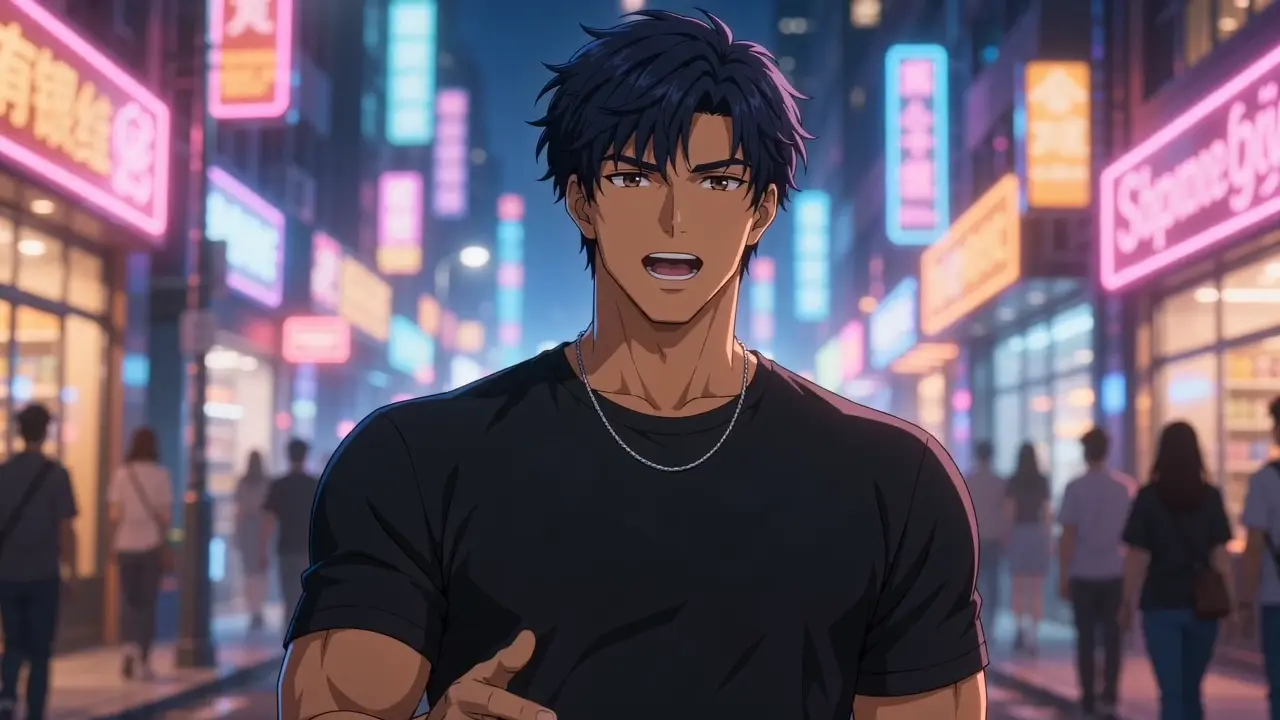
Funny Rap Roast
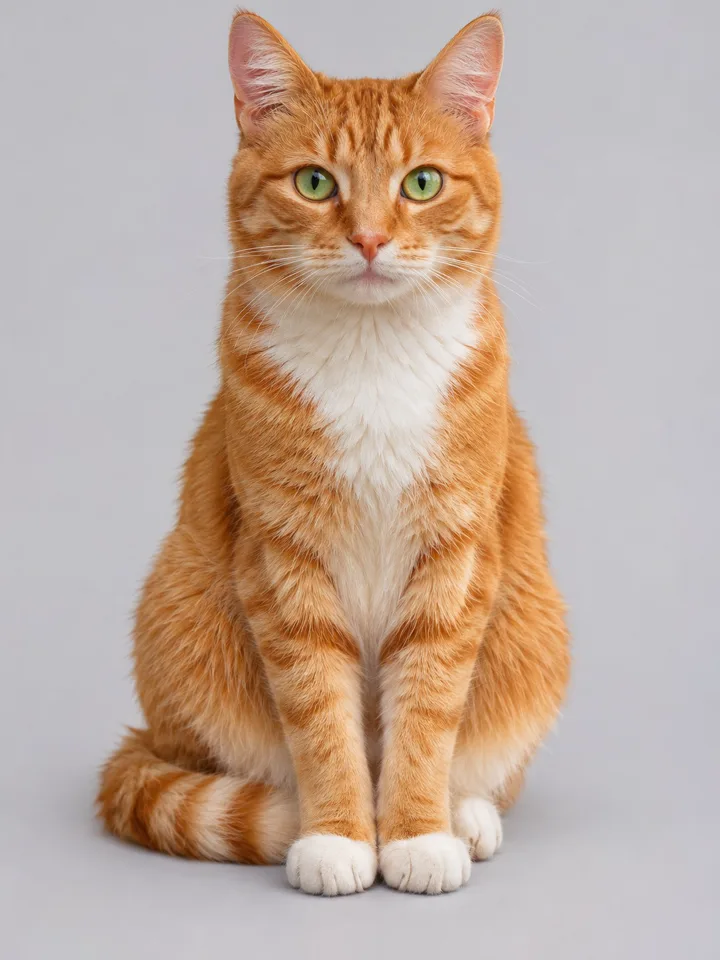
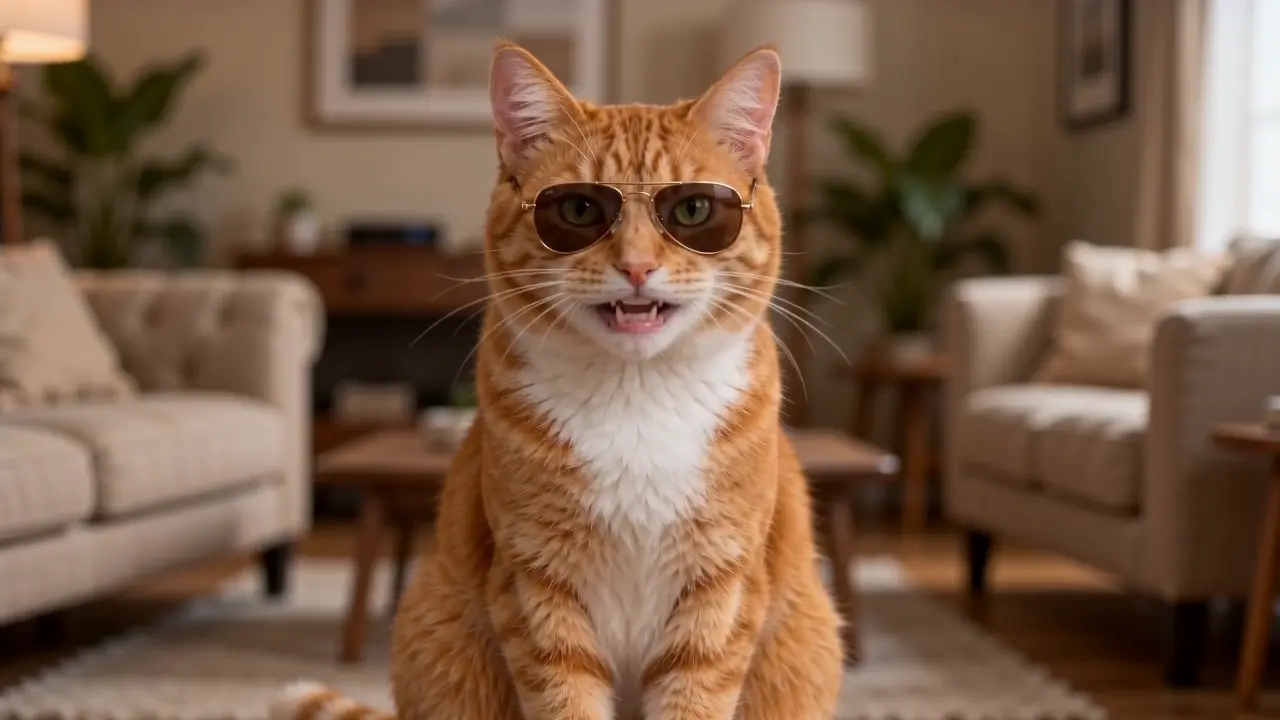
Funny Pet Rap
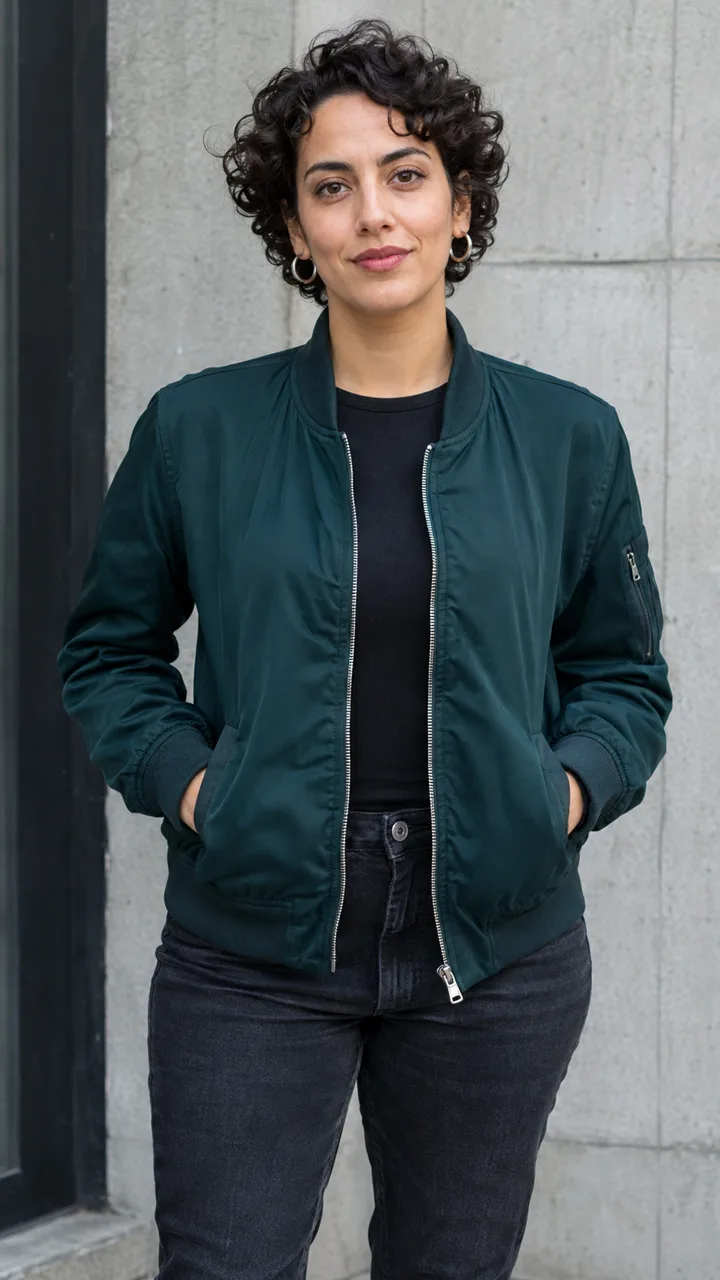
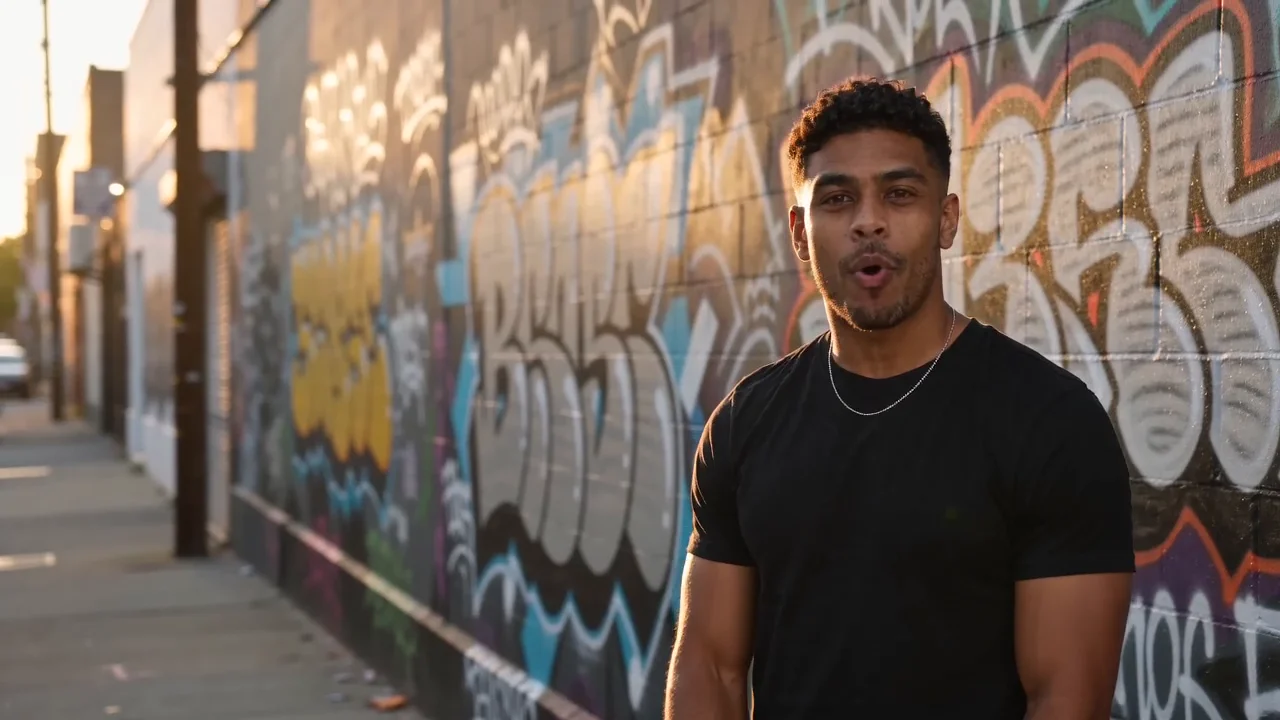
Solo Street Rap

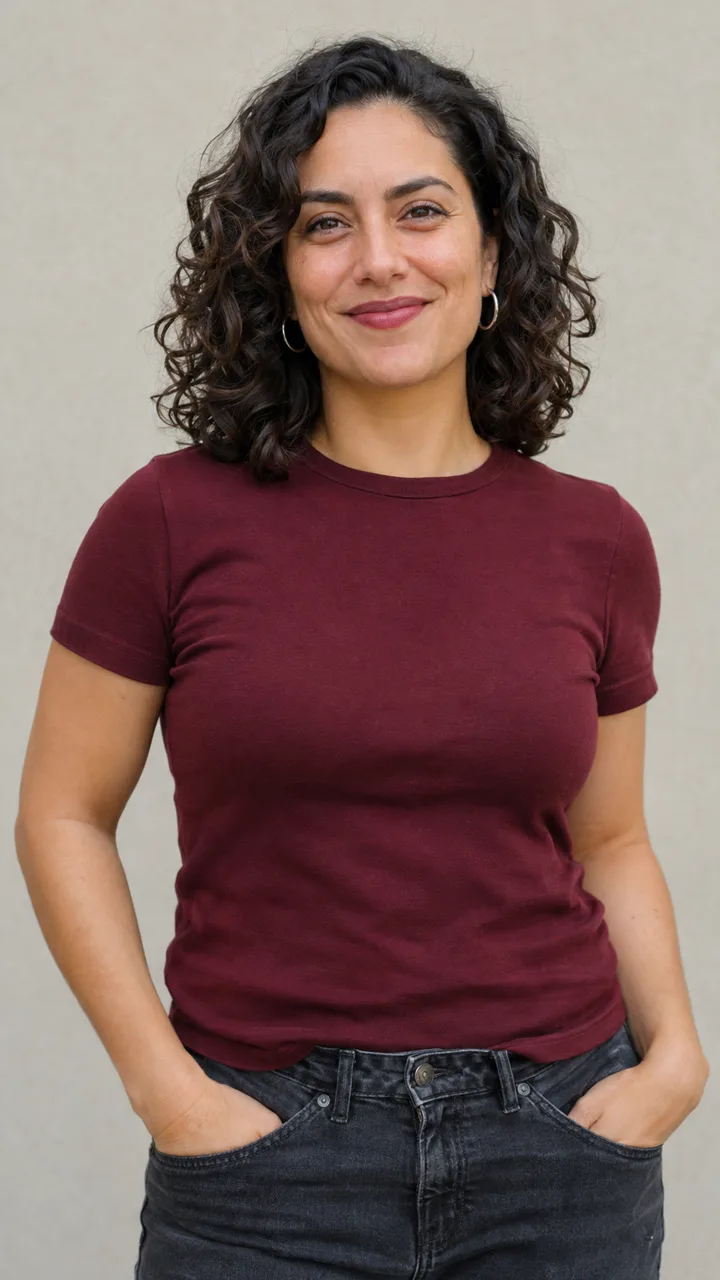
Best Friends Rap Duo

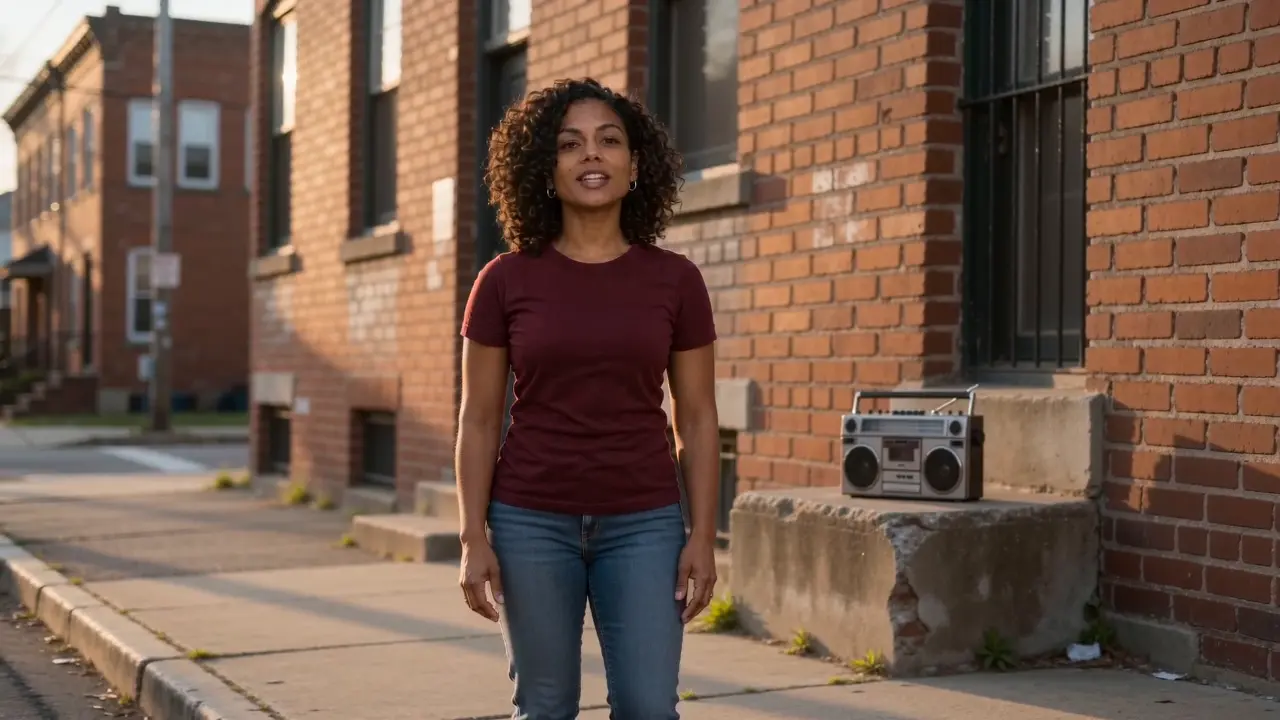
Grandma Rap
HOW IT WORKS
Three steps to your video.
Pick your rap, upload your photos, then personalize and generate.
 Birthday Rap
 Friendly Roast
 Pet Rap
 Rap Battle
 Love Rap
Five quick plays, or create your own.
Pick your rap
Birthday, Roast, Pet, Battle or Love—or start with your own idea.
Add your photos
Add one or two portraits, or a photo of two people. Pet Rap uses one pet photo.
- Birthday RapMake it personal
A name, a birthday wish, or something they love
10s · 9:16 · HD 720p
- AI audio
- On
- Example cost
- 250 credits
Make it personal
Add a name or detail, review the video settings and credits, then generate.
Illustrative setup · Cost varies by settings
SIMPLE PRICING
YOUR RAP.YOUR CHOICE.
Pick your plan. Make it yours.
Monthly subscription
Starter
Start your first sessions.
$19.90/ month
4videos / month
10s · HD 720p · With audio
1,000 credits included
- HD video (720p), no watermark
- Download & post anywhere
- Credits refresh every paid month
- Cancel anytime
Creator
RECOMMENDEDKeep your ideas moving.
$39.00/ month
9videos / month
10s · HD 720p · With audio
2,250 credits included
- HD video (720p), no watermark
- Download & post anywhere
- Credits refresh every paid month
- Cancel anytime
Pro
More room to create.
$89.00/ month
23videos / month
10s · HD 720p · With audio
5,750 credits included
- HD video (720p), no watermark
- Download & post anywhere
- Credits refresh every paid month
- Cancel anytime
Studio
For frequent creators and bigger projects.
$199.00/ month
56videos / month
10s · HD 720p · With audio
14,000 credits included
- HD video (720p), no watermark
- Download & post anywhere
- Credits refresh every paid month
- Cancel anytime
Credits granted each paid month. Unused credits expire at period end.
Counts assume 10s HD 720p videos (250 credits each). Other qualities and durations are in the comparison below.
Compare video counts
| Video quality | Credits / video | Starter | Creator | Pro | Studio |
|---|---|---|---|---|---|
| Lite480p | 40 | 25 | 56 | 143 | 350 |
| Standard480p | 120 | 8 | 18 | 47 | 116 |
| HD720p | 250 | 4 | 9 | 23 | 56 |
Estimates use all credits for the selected period or pack. Counts are separate options, not combined totals.
Video count = plan credits ÷ credits per video, rounded down.
Credit costs & calculation rules
How many videos can I create?
Video count = plan credits ÷ credits per video, rounded down.
- Counts show separate options, not combined totals. You can mix qualities and durations.
- Yearly counts cover the full paid year. Unused credits follow your plan’s expiry rules.
- Lite’s average cost assumes all credits are used; it is not a per-video purchase price.
Credits per video
| Video quality | 5s | 10s | 15s |
|---|---|---|---|
| Lite 480p | 20 | 40 | 60 |
| Standard 480p | 60 | 120 | 180 |
| HD 720p | 125 | 250 | 375 |
Aspect ratio does not affect cost. Audio is optional at no extra cost on Standard / HD and always included on Lite.
New videos offer 5s, 10s and 15s. Lite is 4 credits/s, Standard 12 credits/s and HD 25 credits/s. Review available options and the total before confirming.
All prices are in USD. Review the credit cost in the creator before confirming a generation.
BEFORE THE DROP
A FEW THINGS TO KNOW.
Everything you need before your first drop.
Want the full walkthrough?
Read the Full GuideWhat photos should I use?
Use one or two clear reference photos, one per lead, or select One photo of both for one photo of exactly two people side by side with both faces visible and nobody else in the shot. Choose JPG, PNG or WebP; HEIC/HEIF works when your browser can convert it. Match the subject to the scene, including animal references for pet scenes. You must have image permission; real people must be consenting adults. The number of figures in a scene illustration does not set your lead count.
What styles and scenes can I choose?
Choose Street Rap, Trap, Old School, Funny Rap or Anime Rap. Each has four optional scenes, twenty in total. Use one or two lead photos, select a scene or choose No scene, and optionally add your own idea or short lyrics. Exact lyrics and lip sync are not guaranteed.
Can I choose AI rap vocals or a silent video?
Lite always includes AI vocals and music. Standard and HD can turn Generate audio off for a silent video. With audio on, choose Match my style, Trap, Boom Bap, Drill, Lo-fi, Melodic Rap or Playful Rap. Music-file and reference-audio uploads, Suno/Udio links and voice cloning are not supported. Short lyrics can guide the result, but exact delivery and lip sync are not guaranteed.
Is there a free trial, and how many credits does a video cost?
There is currently no free rendered trial. Preparing photos and settings costs no video credits. Lite costs 4 credits per second, Standard 12 and HD 25. The confirmation window shows the total cost and your balance before you submit and spend credits. Each new generation is charged separately. Scene images illustrate the style; they are not previews of your finished video.
Do I get my credits back if generation fails?
Credits are returned automatically when the system confirms a generation has failed. A pending or uncertain task must be checked first; follow its progress in My Videos. A completed video that does not meet your expectations is not automatically treated as a failed task. Contact support with the task reference for review.
What video lengths, formats and quality can I choose?
Choose 5, 10 or 15 seconds and 9:16, 16:9, 4:3 or square 1:1. Lite and Standard request 480p; HD requests 720p. Dimmed choices are currently unavailable. Lite always includes AI vocals and music; Standard and HD can turn Generate audio off for a silent video. Once generation succeeds, play or download the MP4 in My Videos. Processing time varies with the service and queue. After submitting, follow progress in My Videos, even after refreshing the page. There is no need to submit again.